Using Zu3D at Home

Turn clay, toys and paper into films together. Start with a few small moves, then add a story, a soundtrack and a title in Zu3D 5.

Already have a Classic Kit? You can follow its printed handbook in Zu3D M and try 5 with an eligible code. Both remain available.

Easy to Get Started

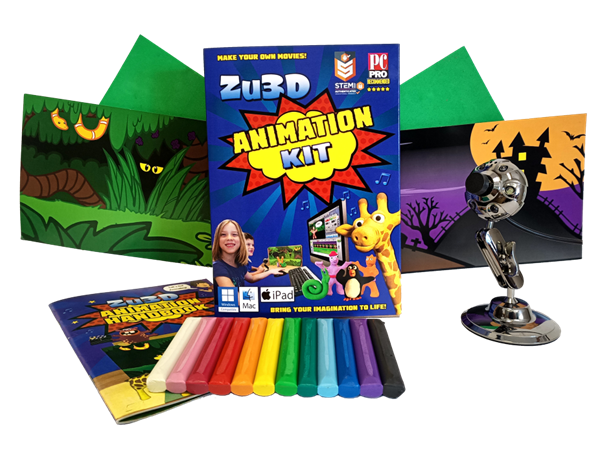
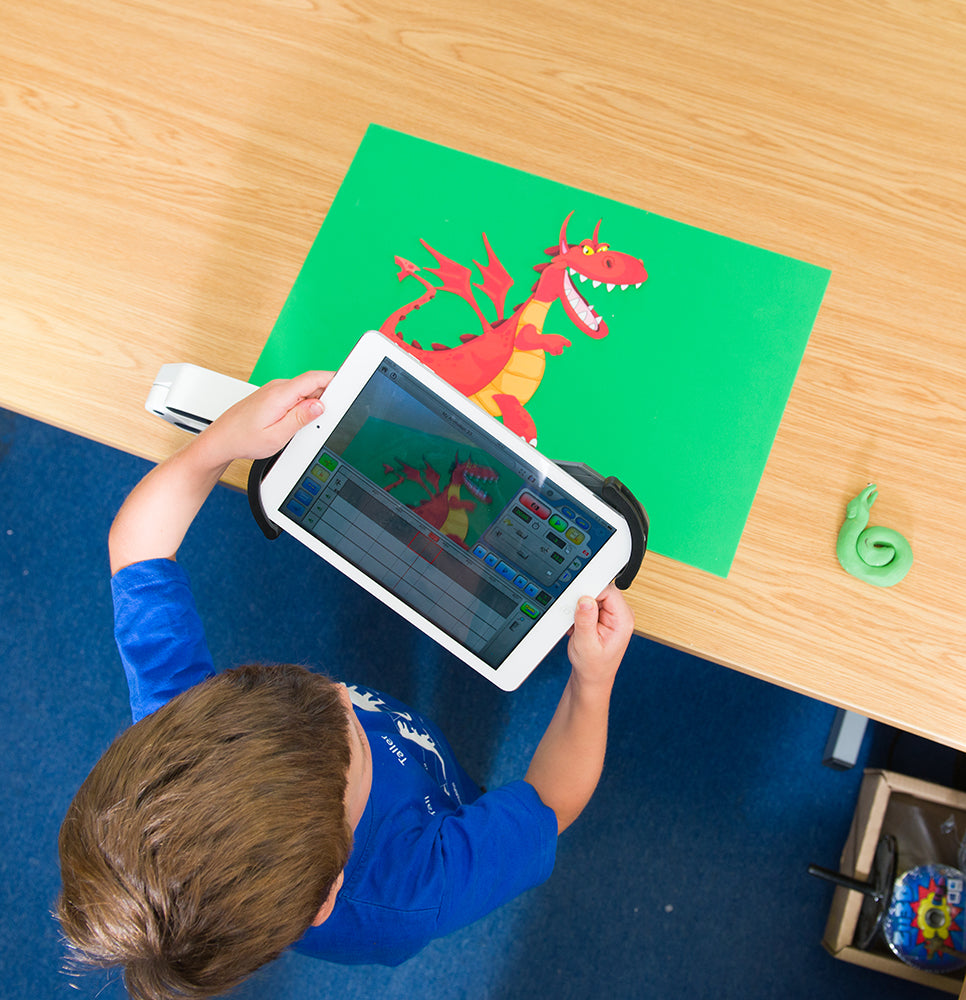
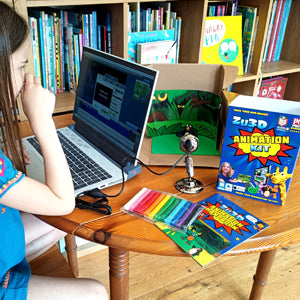
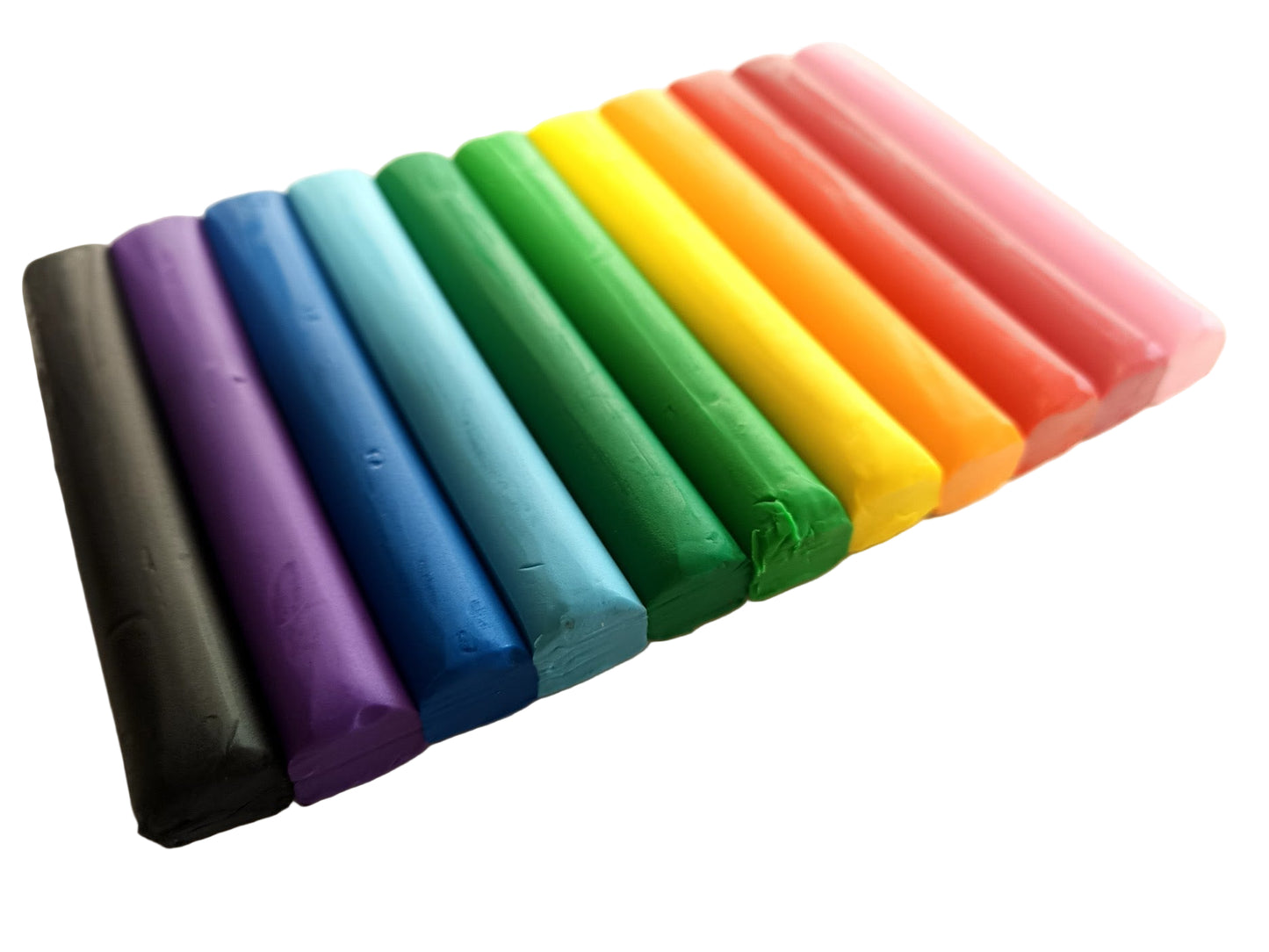
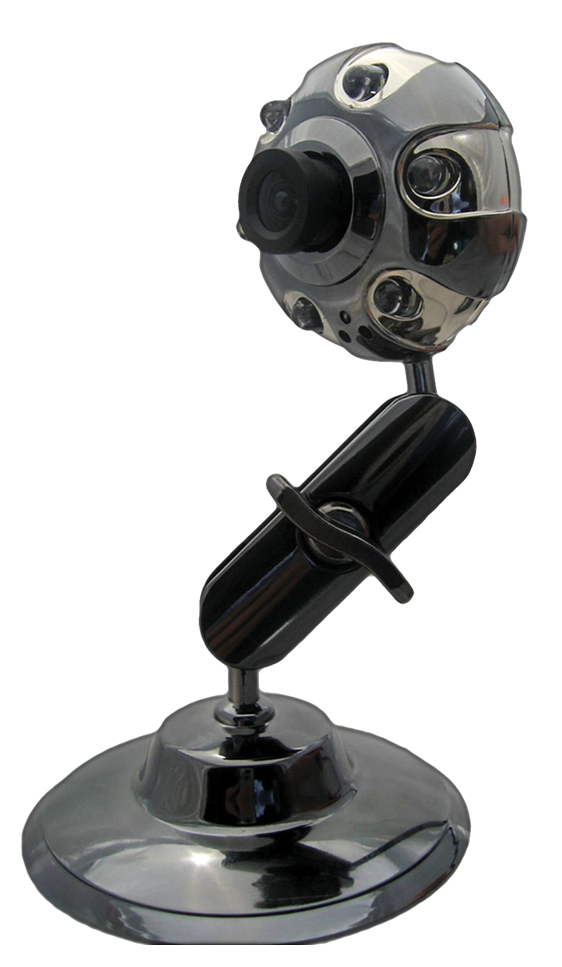
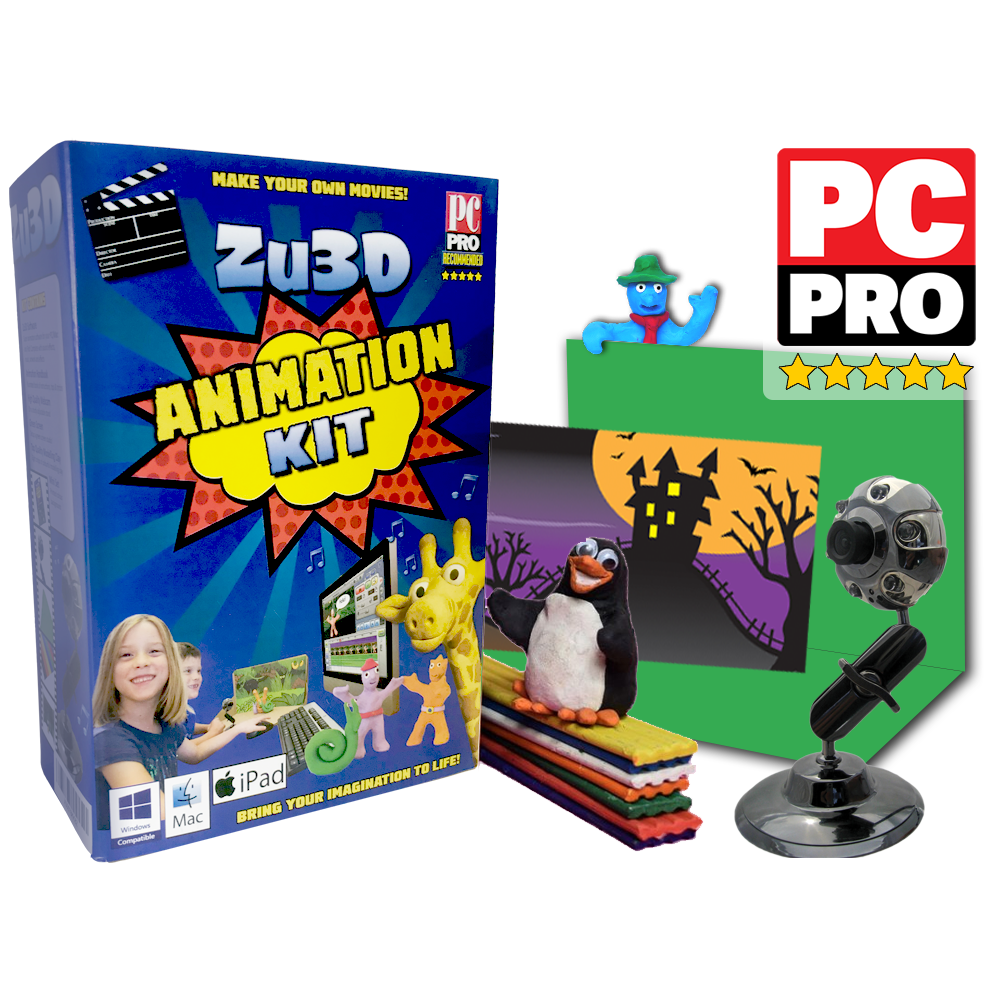
Use a compatible device camera or webcam and something to animate. The Classic Kit brings a USB camera and modelling materials together for a compatible Windows PC or Mac. On iPhone or iPad, use the device camera rather than the Classic USB camera.

Follow our first-film guide, or choose the version that matches your handbook.

Learning Through Play


Animation builds storytelling, problem-solving, and digital skills while being huge fun. Children learn patience and teamwork as they bring their ideas to life frame by frame. Parents often find themselves joining in too!

Create with Zu3D 5

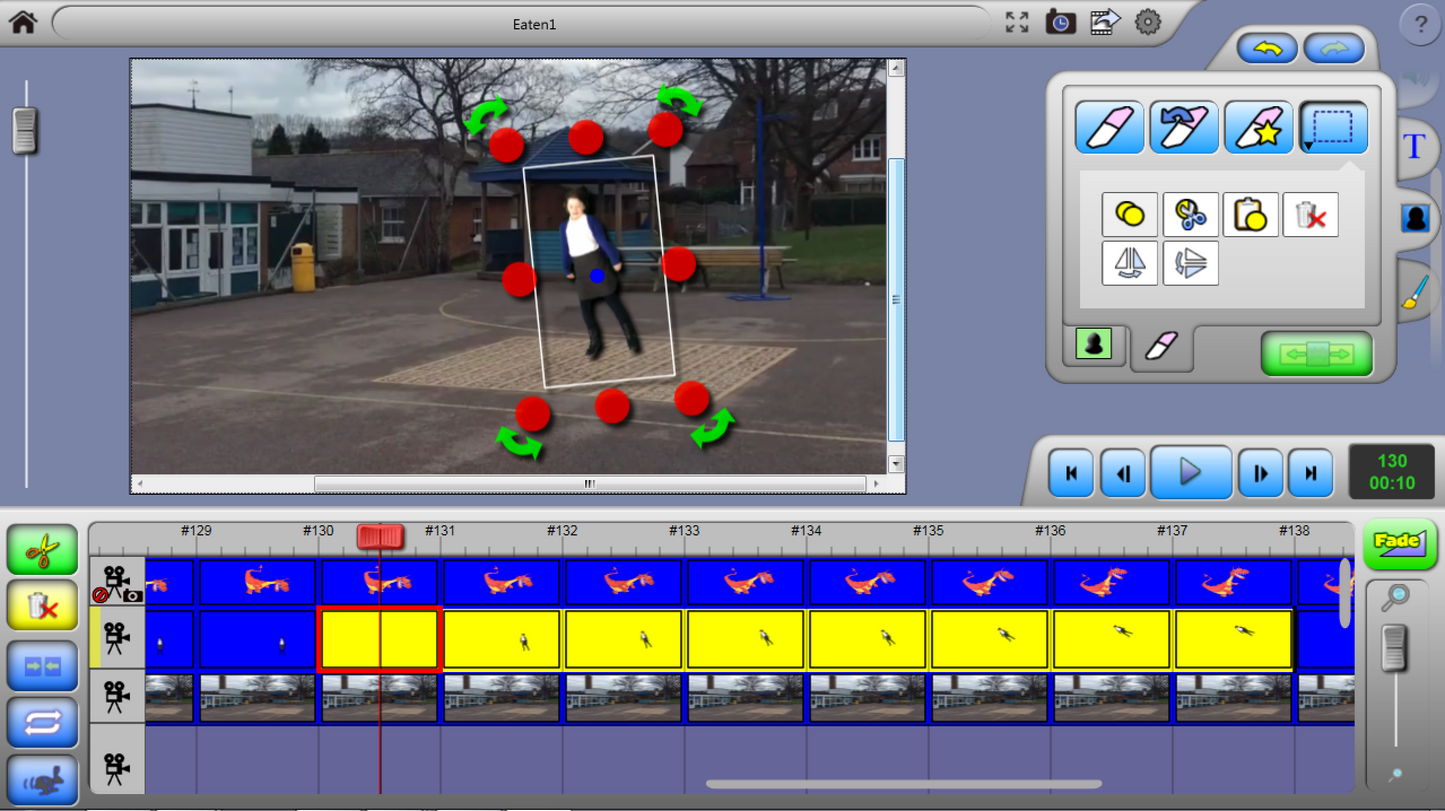
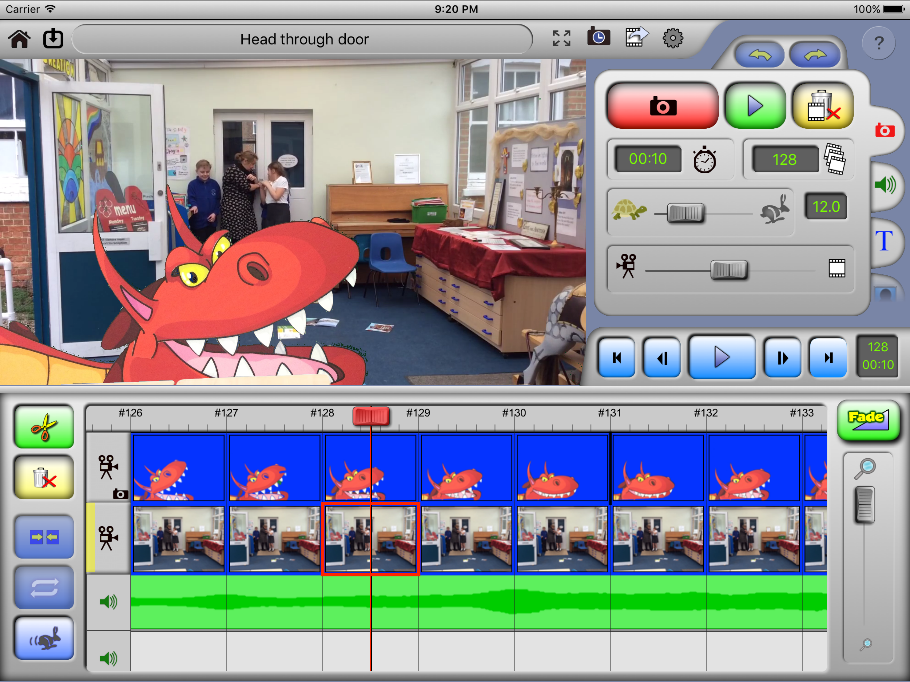
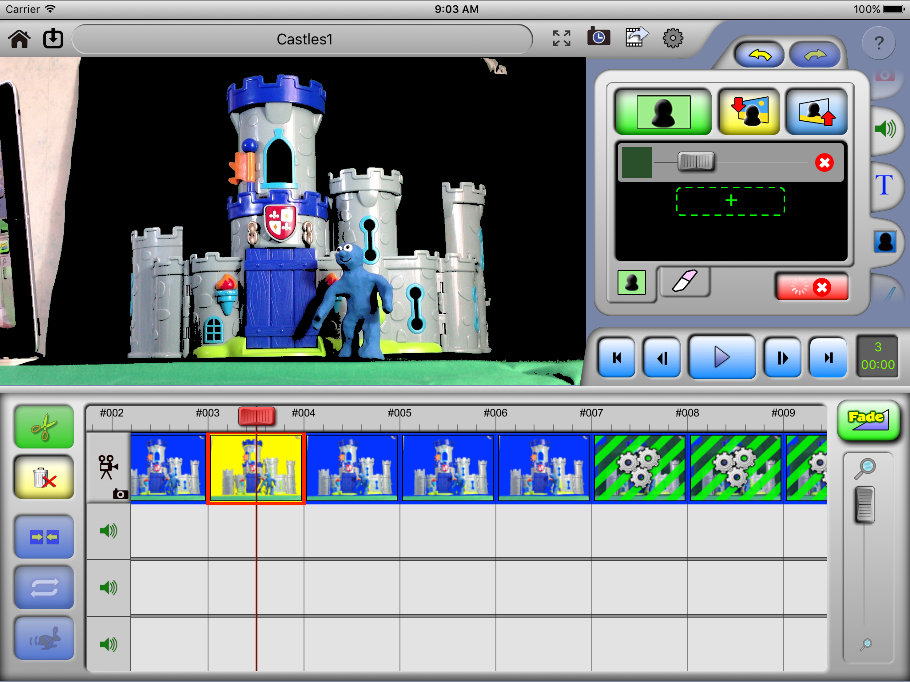
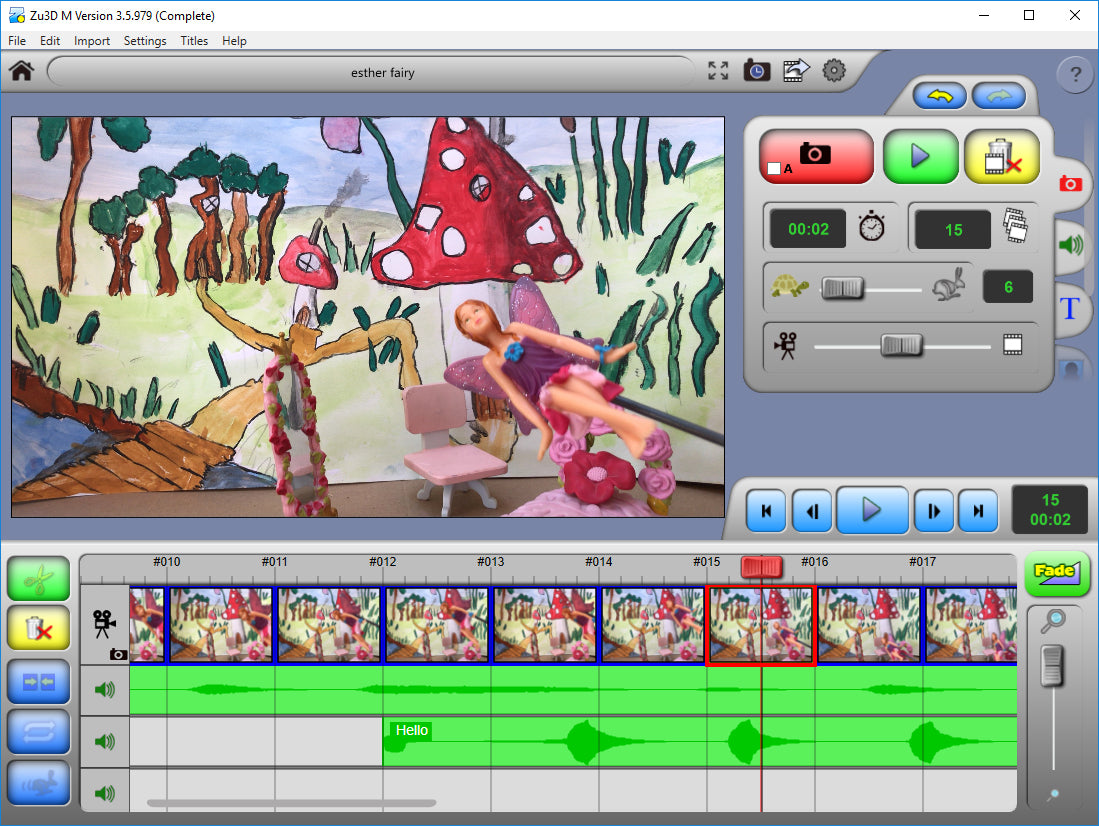
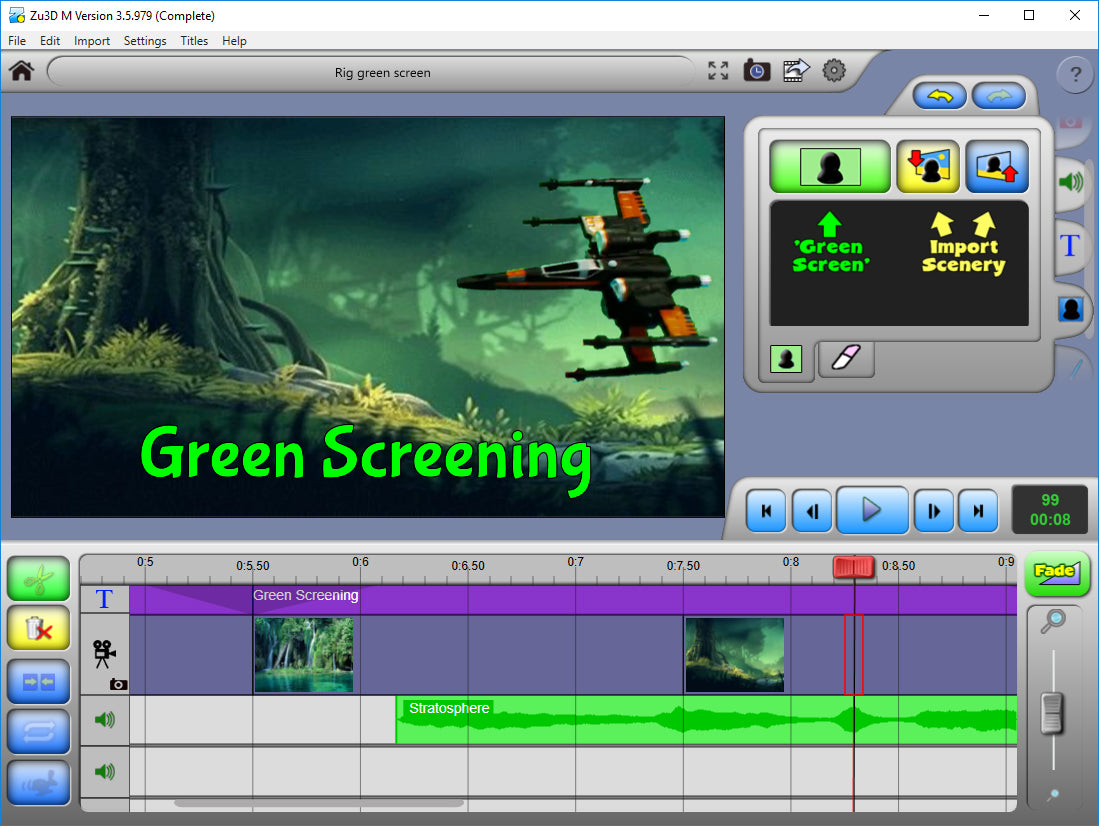
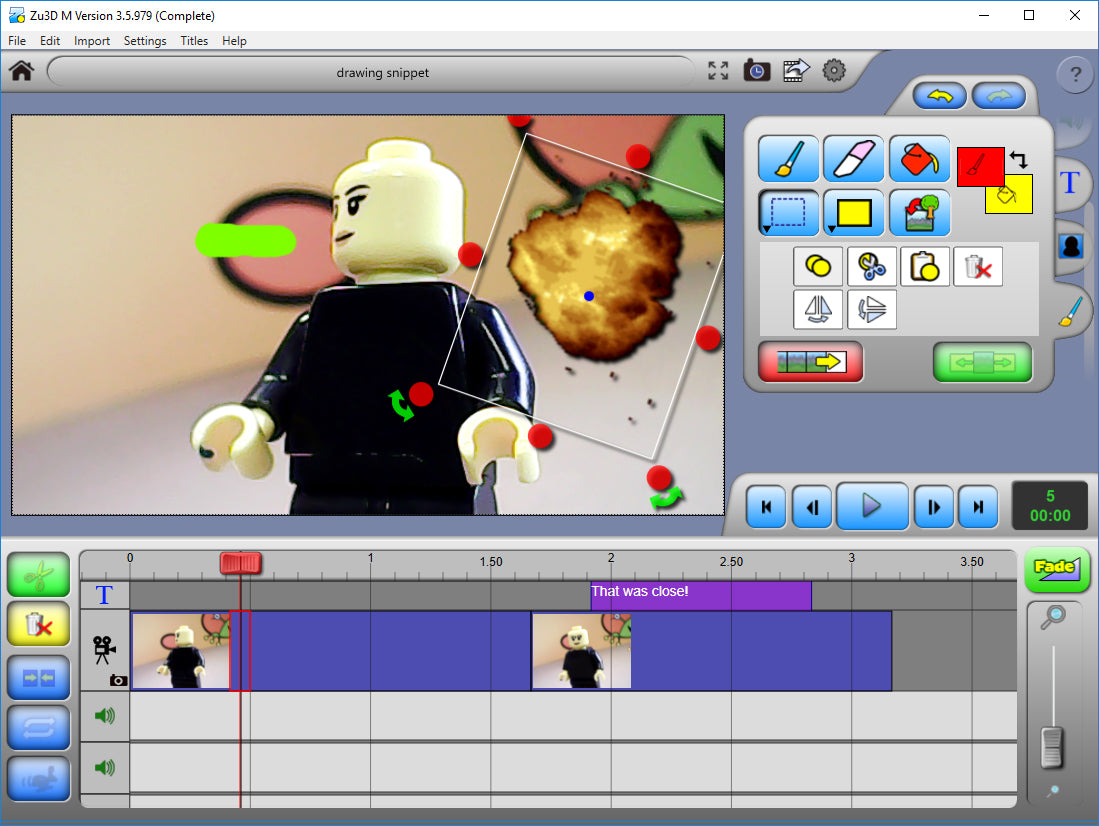
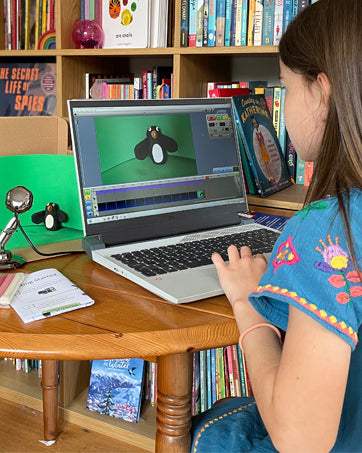
Line up each move with onion skinning. Record voices, build a soundtrack and try drawing, green screen or titles when your film needs them. Some creative tools require Premium.

Explore the current software and its illustrated guides.

Family Projects


Whether it’s a rainy-day activity, a holiday project, or a fun way to retell a favourite story, Zu3D turns any idea into a creative adventure. Finished films can be saved and treasured for years to come.
Get Started at Home

Get Zu3D 5 to explore the current software. If you have a kit or want to follow an existing handbook, Get Zu3D helps you choose M or 5 without losing the version you know.

Zu3D Animation Kit Unboxing