
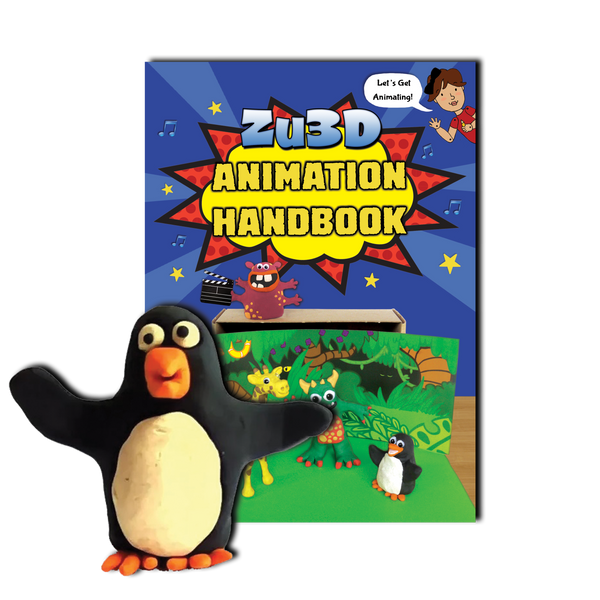
Zu3D Animation Kit
The kit with the USB webcam. Zu3D M is the version shown in this handbook. Follow your book with its matching app and tutorials.
Get Zu3D MYou can also try Zu3D 5 with an eligible kit code, while continuing to use M.
Find the app for your kit, or get started with Zu3D 5.
Get Zu3D 5, our latest stop-motion app.
Choose the cover you recognise to find the matching app and setup guide.
The kit with the USB webcam. Zu3D M is the version shown in this handbook. Follow your book with its matching app and tutorials.
Get Zu3D MYou can also try Zu3D 5 with an eligible kit code, while continuing to use M.
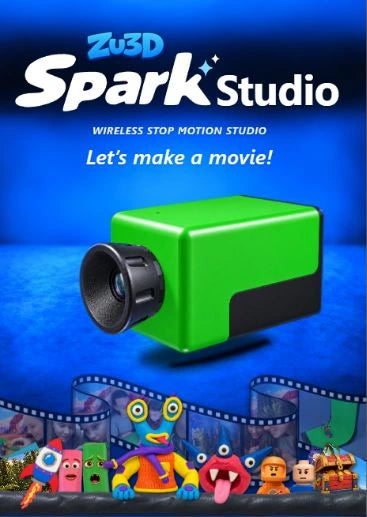
The kit with the wireless Spark camera. This handbook uses Zu3D 5. Follow the setup guide to install the app and get your camera ready.
Set up Spark StudioAlready set up? Get the app for another device.
You can keep using Zu3D M with your Classic Kit handbook and try Zu3D 5 too. Eligible Classic Kit codes unlock Zu3D 5 Premium at no extra cost, with a separate activation for each version.
If your code is not accepted in Zu3D 5, contact us with your kit purchase details and we’ll help you check. Your Zu3D M download and tutorials are available whenever you need them.
Not sure which version you need? Email support@zu3d.com and we’ll help.